How to sign a PDF without printing it
Draw or add your signature, place it on the right line and download the signed PDF.
Read the guide
Sign your PDF by drawing your signature, importing an image, or using a certificate stored on your device.
Use this tool for free as often as you need. The document is processed on your device so its contents remain under your control.
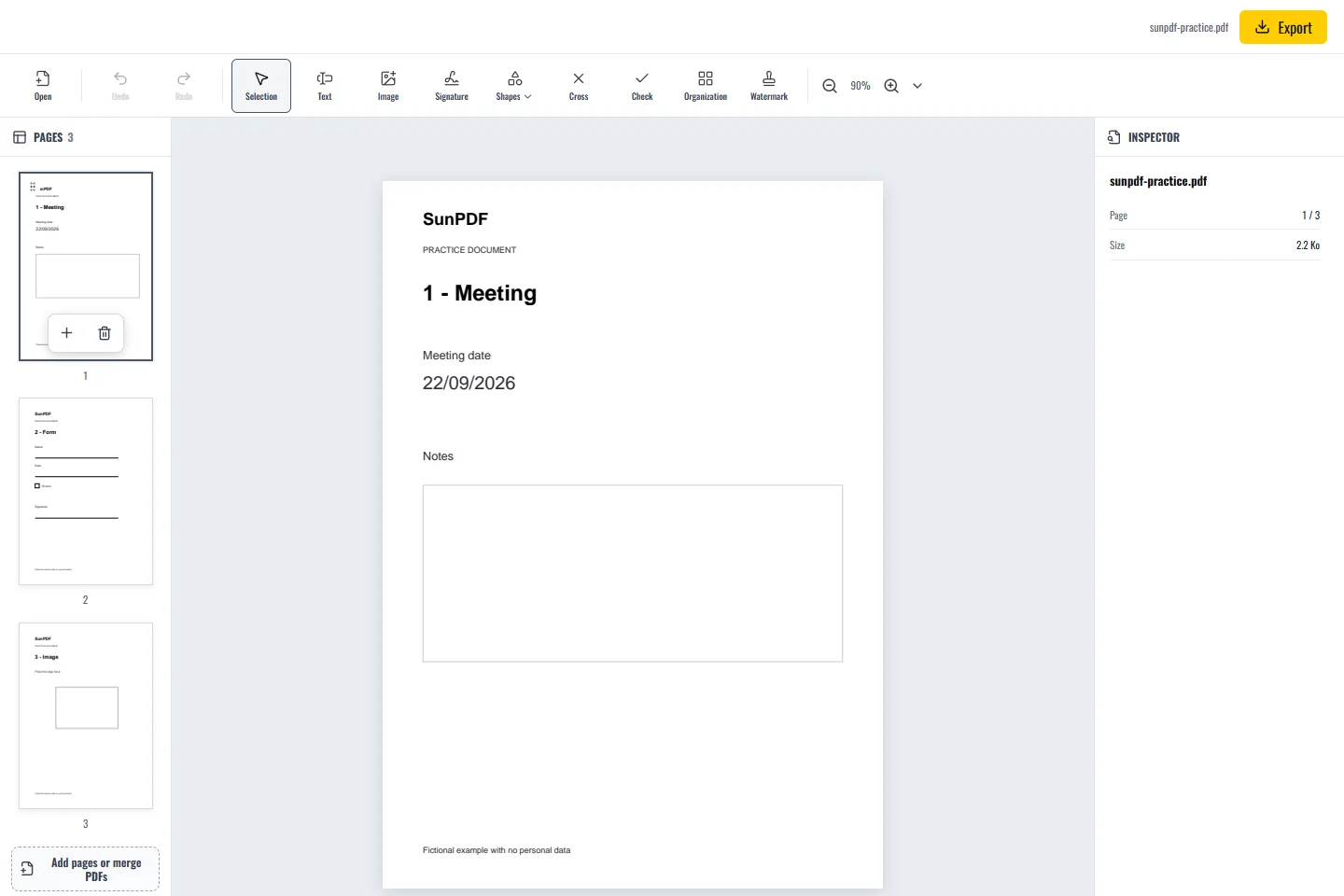
Before
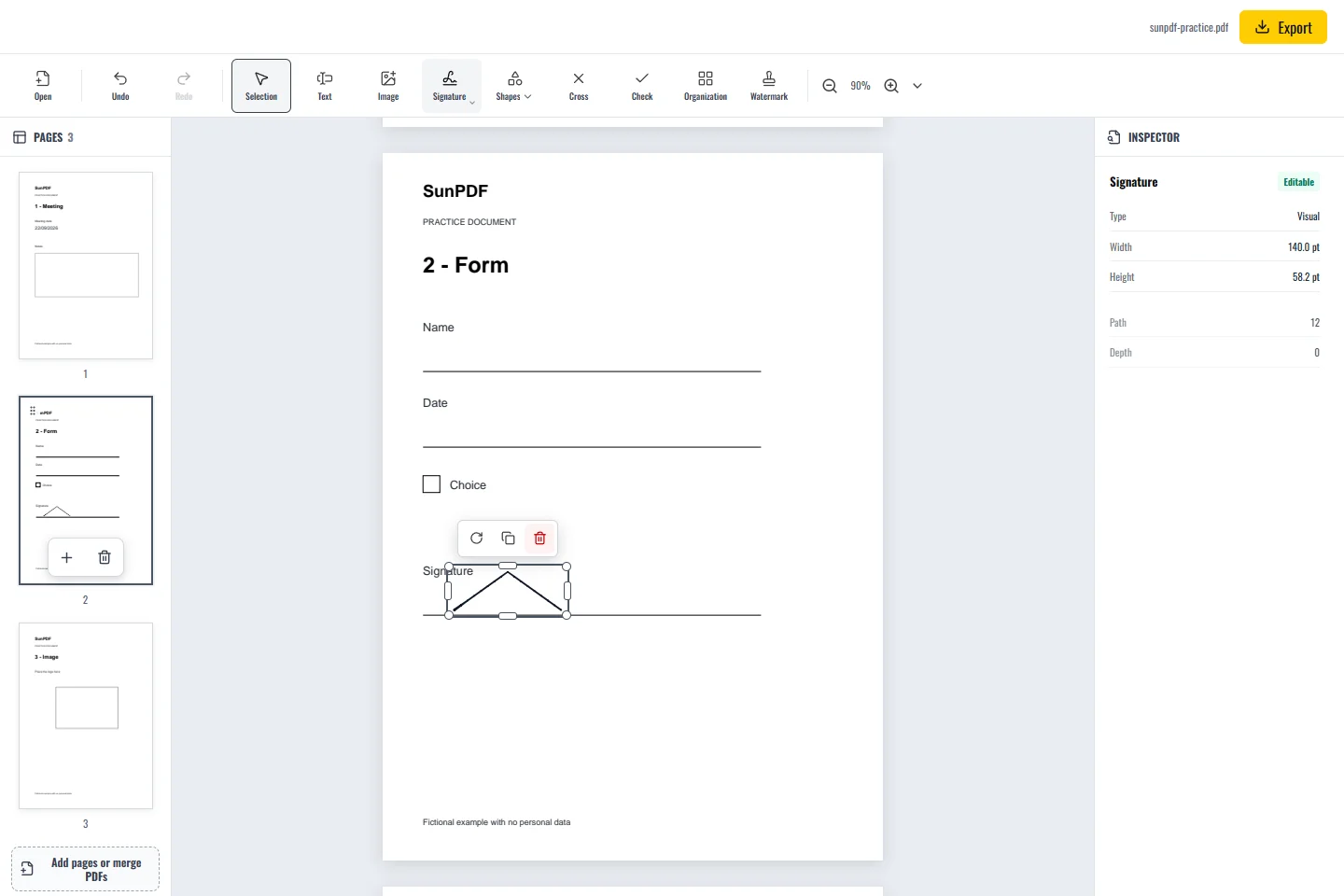
After
Fictional documents: three practice pages and an appendix, with no personal data.
Page 2: create a fictional mark in visual mode and place it on the Signature line without covering the date.
A drawn or imported mark is a visual signature. A cryptographic signature requires a P12 or PFX certificate, or a locally generated self-signed certificate. Its evidential value depends on the certificate and your use case.
Document processing happens in your browser. SunPDF does not upload your PDF to a server for editing. Closing or refreshing the tab ends the current session.
A visual signature suits cases where the recipient accepts a drawn or imported mark. A formal process may require certificate-based signing.
Check the page, size, and position, then confirm with the recipient that the chosen signing method meets their requirements.
Follow the steps and checks to make before saving your document.
Draw or add your signature, place it on the right line and download the signed PDF.
Read the guideAdd answers, ticks and a signature to a PDF, including forms with boxes that cannot be clicked.
Read the guideEdit a sensitive PDF on your device and protect the copies you keep before and after the change.
Read the guide