
Understand what stays local
SunPDF edits the PDF in browser memory and does not upload the document for editing. The website still makes network requests to deliver the application and, depending on consent and configuration, run audience measurement or advertising. Local document processing is not a promise that the browser makes no network requests.
Local processing reduces document transfers, but it does not automatically secure the device, download folder, or delivery channel. Confidentiality therefore needs attention before opening the file, during editing, and after export.
Steps in SunPDF
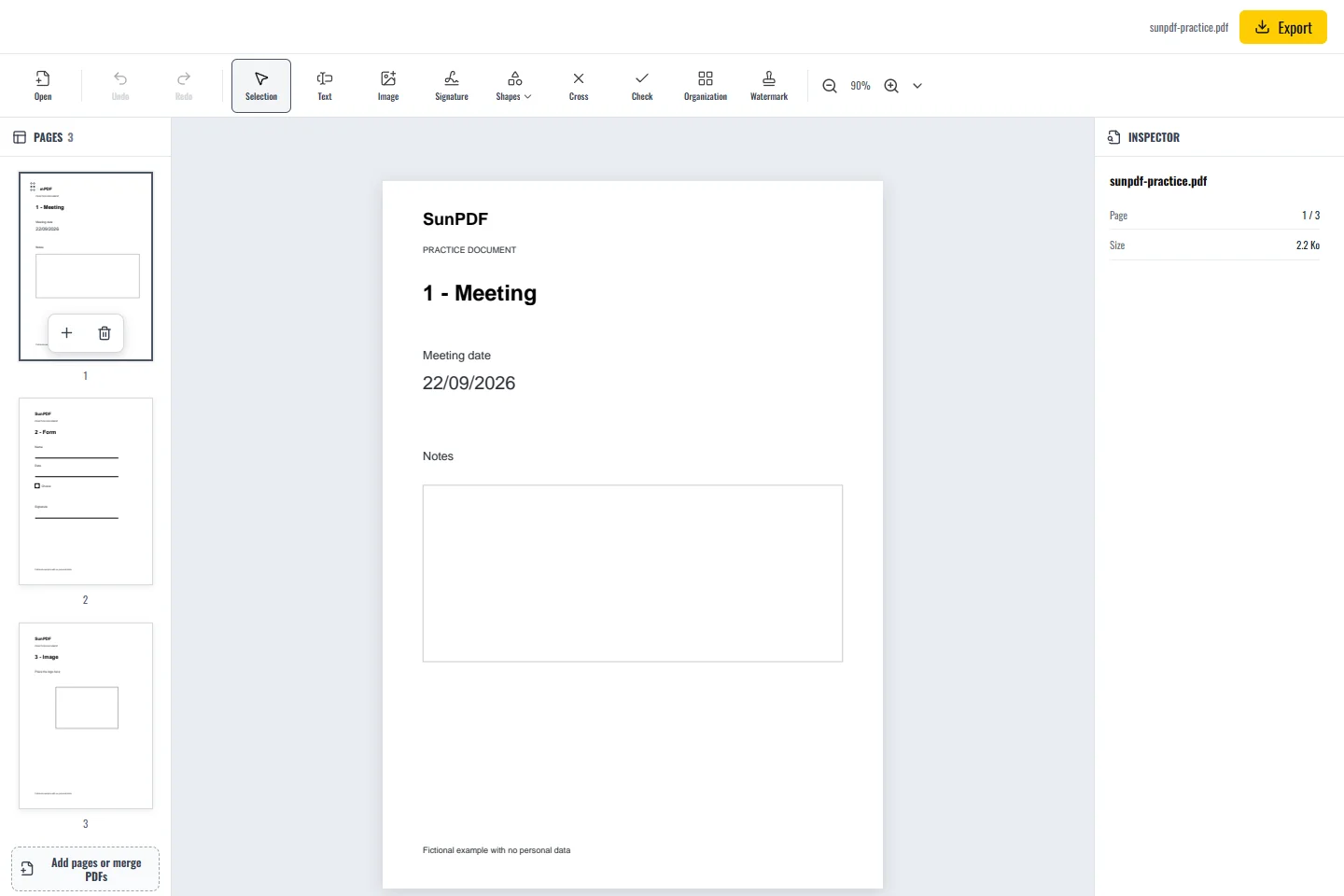
- Practise with the synthetic sample first. Use an updated browser on a trusted device, following your organization's rules.
- Open the real PDF only when you are ready. Avoid exposing its contents through screen sharing or untrusted browser extensions.
- Make the necessary changes. Do not use rectangles, images or text overlays to hide information that must be securely removed.
- Export to an appropriate folder. Check whether that folder is shared or automatically synchronized before storing sensitive material there.
- Reopen and verify the result, then close the editing tab and manage unneeded copies according to your retention policy.
The exported copy needs protection too
- Confirm the destination and recipient before sending a file. Local editing does not secure email delivery.
- Contact support with reproduction steps and a synthetic example instead of attaching a confidential PDF.
Limits to understand
Closing the tab ends the session but does not delete downloaded files or guarantee forensic erasure from device memory. A compromised device can expose local data. If secure redaction or certified handling is required, use a process approved for that requirement.