How to edit a PDF for free
Correct, complete and organize a PDF for free, then download a new copy from your browser.
Read the guide
Add text anywhere in your PDF, then customize its font, size, color, and alignment.
Use this tool for free as often as you need. The document is processed on your device so its contents remain under your control.
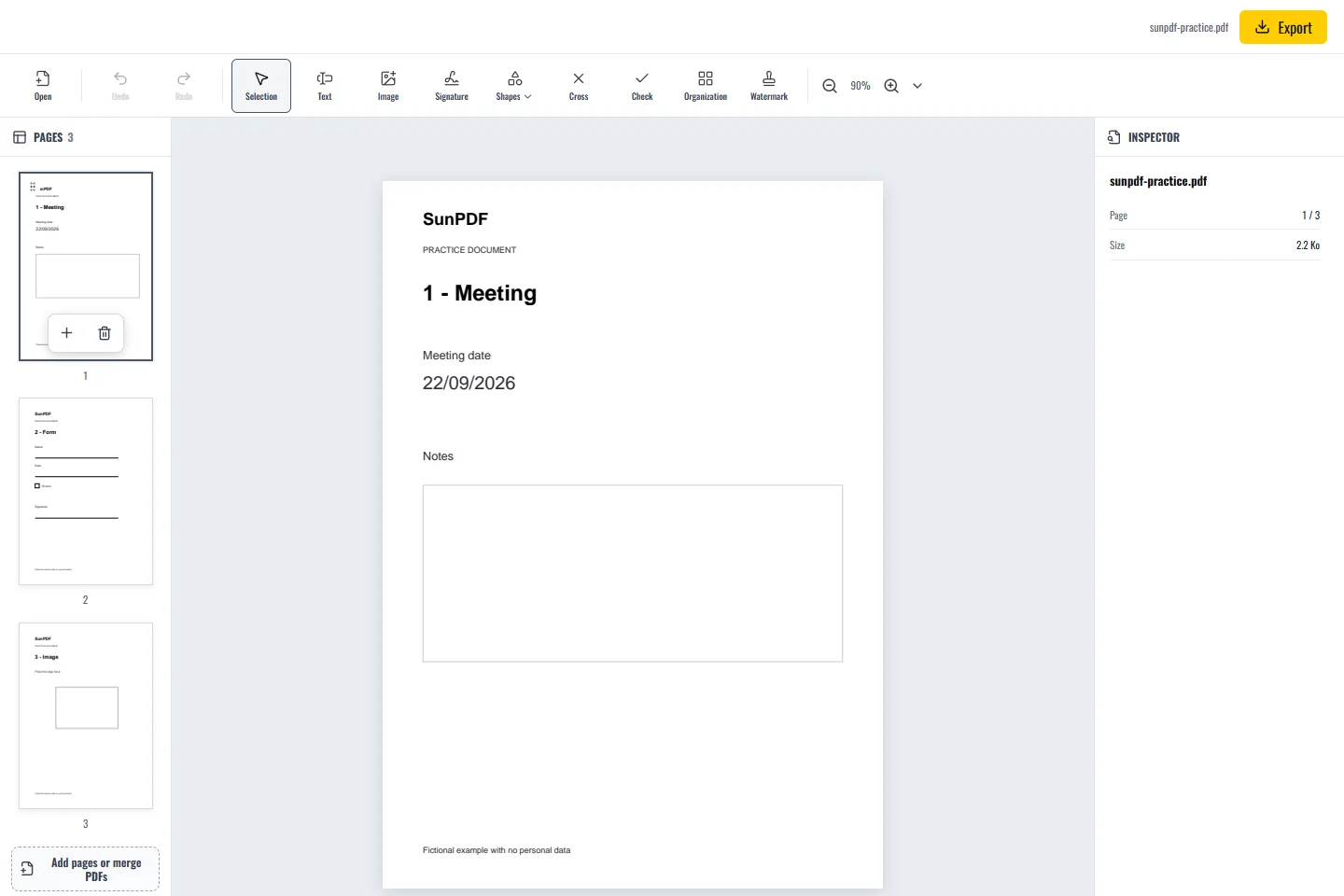
Before
After
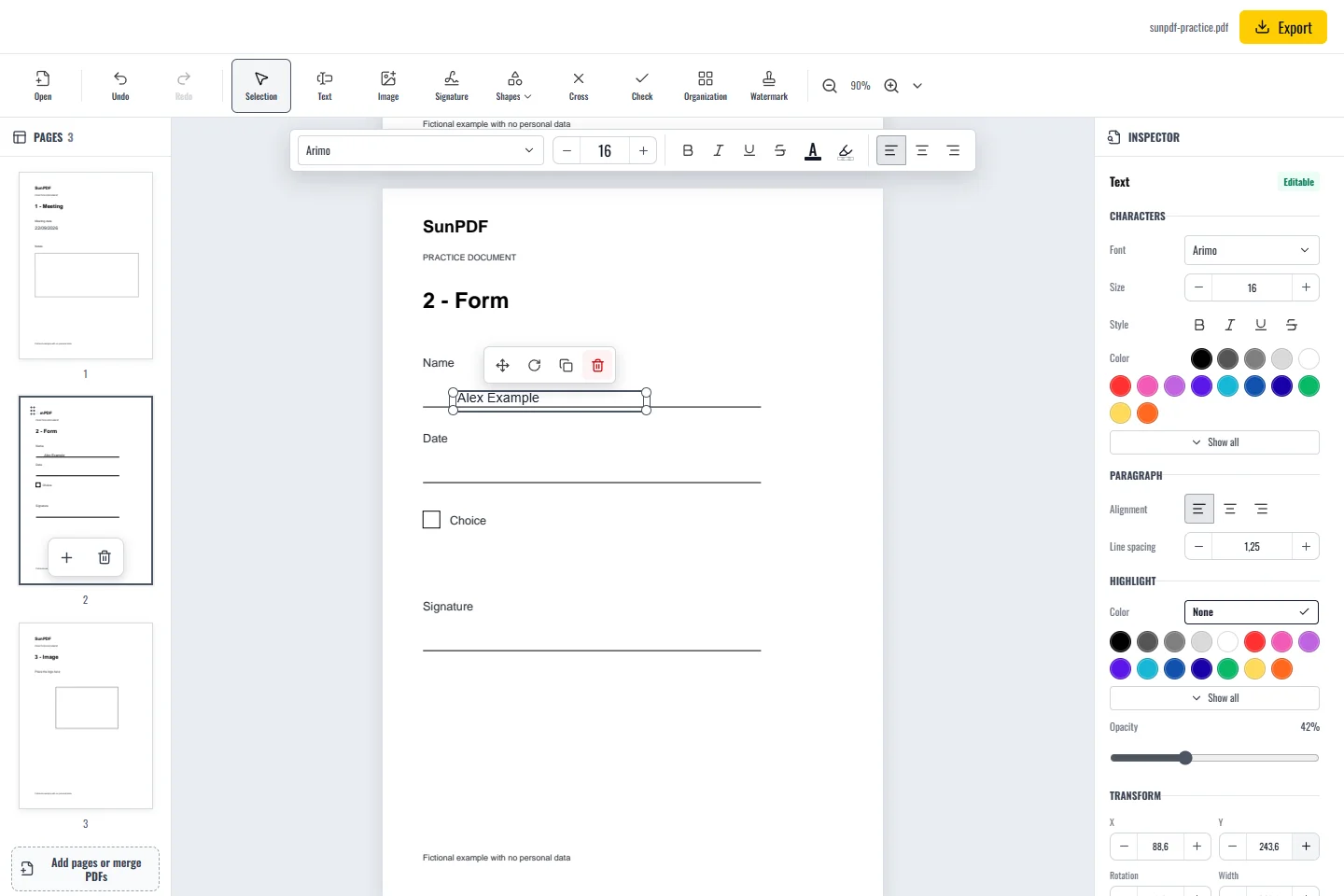
Fictional documents: three practice pages and an appendix, with no personal data.
Page 1: click in the Notes frame with Add text and write a short comment. Keep the original text visible.
Click where the new words belong, type, then adjust the font, size, color or alignment. You can move or duplicate the text box before exporting.
Document processing happens in your browser. SunPDF does not upload your PDF to a server for editing. Closing or refreshing the tab ends the current session.
Add text for a missing note, date, or answer without treating the new box as a replacement for content underneath it.
Check contrast, alignment, and margins at reading or printing size, then reopen the file to confirm the position.
Follow the steps and checks to make before saving your document.
Correct, complete and organize a PDF for free, then download a new copy from your browser.
Read the guideChange a word, date or short sentence in a PDF and check the result before saving it.
Read the guideAdd answers, ticks and a signature to a PDF, including forms with boxes that cannot be clicked.
Read the guide