
How to add a photo to a PDF
Insert a photo or logo in a PDF and adjust its size and position before downloading it.
Read the guide
Combine JPEG and PNG photos or scans into one ordered PDF that is easier to send and print.
Your PDF stays on your device. It is not sent to any server.
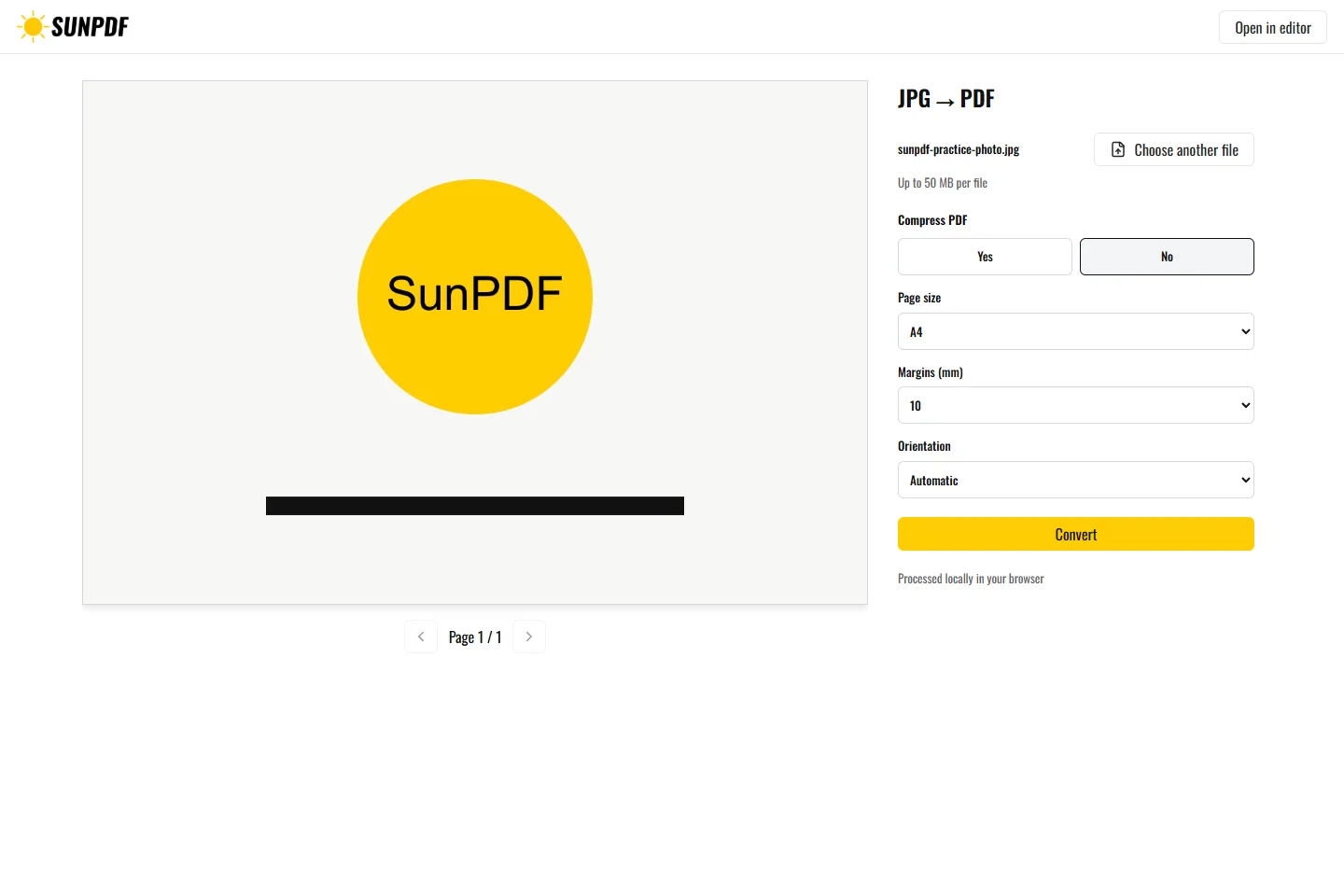
Fictional file created by SunPDF with no personal data.
Turn the fictional photo into an A4 PDF with a 10 mm margin. The image should stay proportional and fully visible.
Add images, change their order, then choose page size, orientation, and margins before creating the document. Each image becomes one PDF page and is fitted without distortion inside the available area.
Document processing happens in your browser. SunPDF does not upload your PDF to a server for editing. Closing or refreshing the tab ends the current session.
A4 with a 10 mm margin suits a printable file, while a page fitted to the image better preserves photo proportions.
Check order, orientation, margins, and cropping on every page, then zoom into the images before sharing.
Follow the steps and checks to make before saving your document.
Insert a photo or logo in a PDF and adjust its size and position before downloading it.
Read the guideEdit a sensitive PDF on your device and protect the copies you keep before and after the change.
Read the guideMove PDF pages with clear previews, then remove or add pages before saving.
Read the guide