
Put an attachment before the notes
The sample has three visibly numbered pages. Try the order 1, 3, 2. The numbers printed on the pages should stay unchanged: moving a page changes its position in the file, not its contents.
Moving a page changes its position in the file, but it does not rewrite printed page numbers or references. This distinction is why the final check must cover both the thumbnails and the document as a whole.
Steps in SunPDF
- Open the PDF in Organization. Identify each thumbnail by its preview before moving it.
- Drag the third thumbnail between the first and second. Release it at the insertion position.
- Choose Open in editor, then open the new second page and confirm that its printed number is still 3.
- If you moved the wrong page, use Undo. If you also delete a page, check the remaining page count before continuing.
- Export and reopen the copy. Navigate from the first to the last page to verify the sequence.
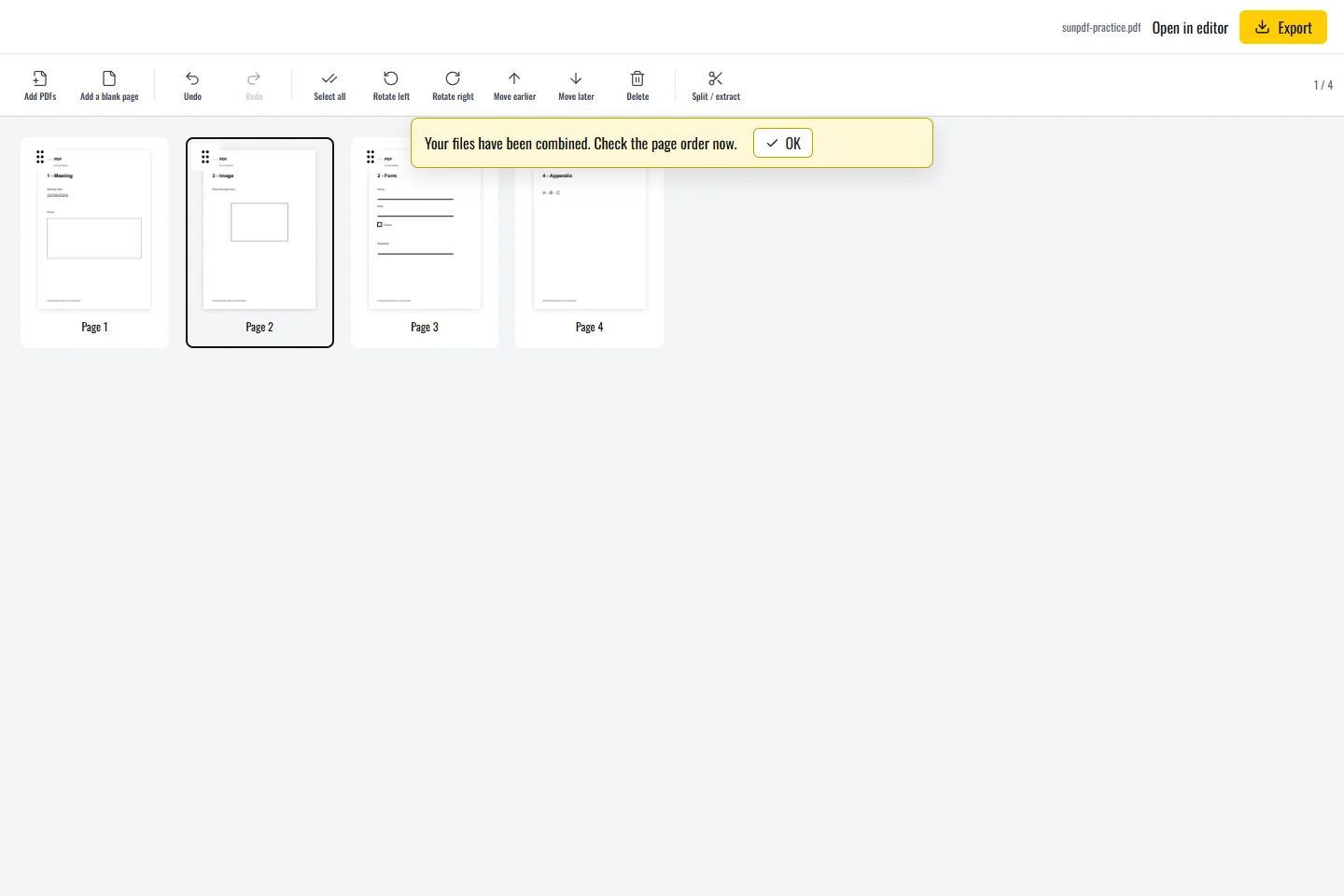
Position and numbering are different
- A table of contents referring to printed page numbers may need a separate text correction.
- A rotated preview may need rotation rather than relocation. Inspect the whole page before deciding.
Limits to understand
Reordering does not automatically update printed page numbers, cross-references or a table of contents. Do not assume links and bookmarks now point to the intended content: check those that matter in the exported file. Changes can also invalidate an existing digital signature.