How to edit a confidential PDF safely
Edit a sensitive PDF on your device and protect the copies you keep before and after the change.
Read the guide
Turn PDF pages into images for a presentation, website, or document that cannot accept a PDF file.
Your PDF stays on your device. It is not sent to any server.
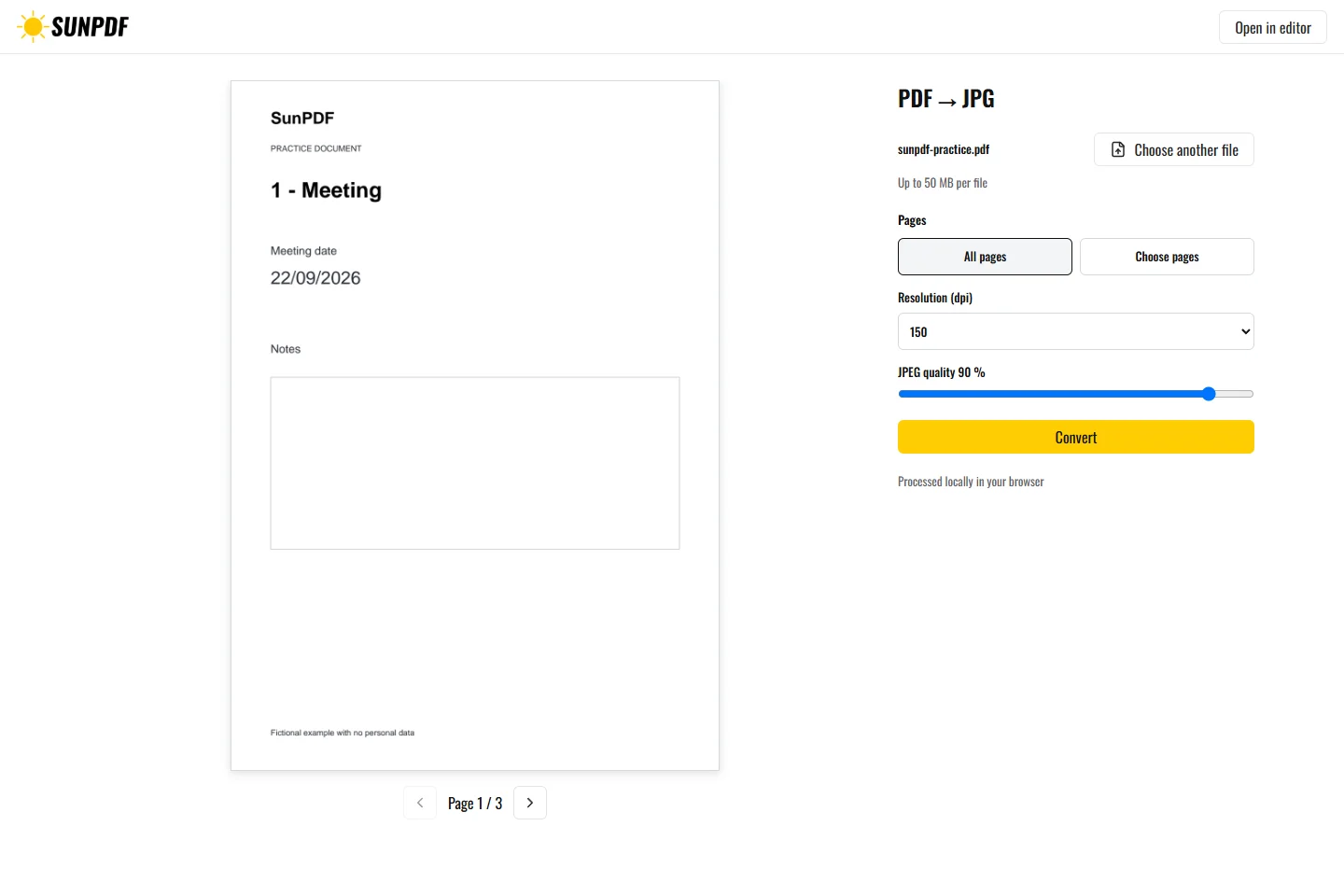
Fictional file created by SunPDF with no personal data.
Export pages 1 and 3 as JPG at 150 dpi. The ZIP should contain two numbered images that remain readable at full size.
Select pages, resolution, and JPEG quality. Each requested page is rendered separately in the browser. One page creates one JPG. Several pages create a ZIP archive with a numbered image for each page.
Document processing happens in your browser. SunPDF does not upload your PDF to a server for editing. Closing or refreshing the tab ends the current session.
150 dpi at 90% works for many screen uses. Raise resolution for small text or lower it for a lightweight thumbnail.
Open sample images at full size, inspect fine text, colors, and numbering, then check the contents of the ZIP.
Follow the steps and checks to make before saving your document.
Edit a sensitive PDF on your device and protect the copies you keep before and after the change.
Read the guideInsert a photo or logo in a PDF and adjust its size and position before downloading it.
Read the guideMove PDF pages with clear previews, then remove or add pages before saving.
Read the guide