How to edit a confidential PDF safely
Edit a sensitive PDF on your device and protect the copies you keep before and after the change.
Read the guide
Create a stable PDF copy of a Word document before sharing, printing, or archiving it without sending the DOC or DOCX to SunPDF.
Your PDF stays on your device. It is not sent to any server.
Fictional file created by SunPDF with no personal data.
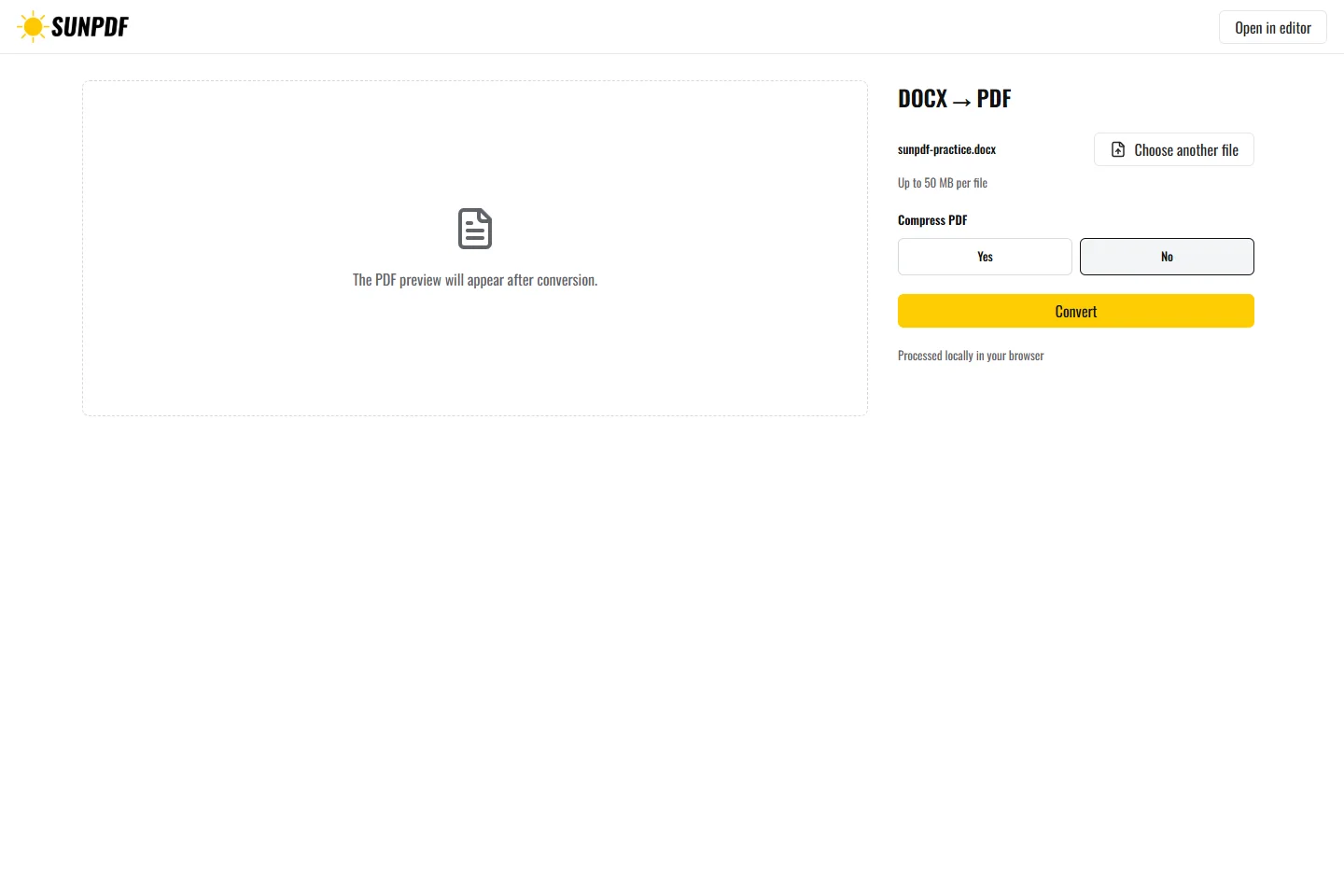
Convert the fictional DOCX to PDF. Its heading, list, and small table should appear in the result.
The local Office runtime opens the document in the browser and exports a PDF from the layout calculated on your device. The result contains the rendered pages in their current order. The Word source remains unchanged and can be used again.
Document processing happens in your browser. SunPDF does not upload your PDF to a server for editing. Closing or refreshing the tab ends the current session.
Use the PDF to freeze a letter, contract, or report when recipients need consistent pages and should not edit the source.
Compare page count, headers, tables, images, and breaks. Open the PDF in a second reader before official use.
Follow the steps and checks to make before saving your document.
Edit a sensitive PDF on your device and protect the copies you keep before and after the change.
Read the guideCorrect, complete and organize a PDF for free, then download a new copy from your browser.
Read the guideChange a word, date or short sentence in a PDF and check the result before saving it.
Read the guide