How to change text in a PDF
Change a word, date or short sentence in a PDF and check the result before saving it.
Read the guide
Recover usable PDF text in Word so you can revise a report, letter, or table without retyping the entire document.
Your PDF stays on your device. It is not sent to any server.
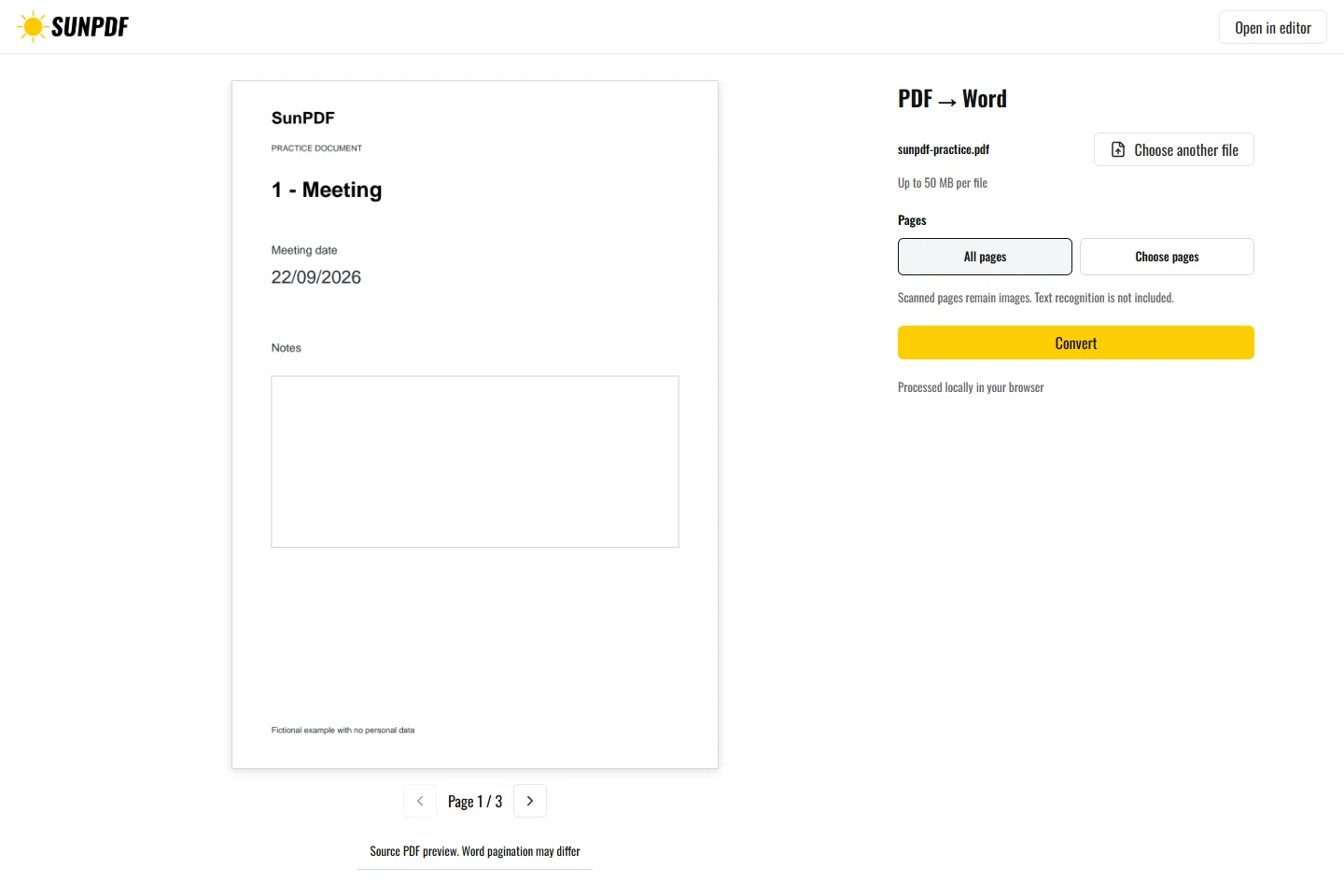
Fictional file created by SunPDF with no personal data.
Convert the practice PDF to DOCX. Open the result and inspect headings, text, and images from all three pages.
The converter rebuilds paragraphs, lists, detected tables, and separate images. Pages without usable text remain images inside the DOCX. The DOCX is editable, but Word can repaginate it according to available fonts and the layout rules of the application used to open it.
Document processing happens in your browser. SunPDF does not upload your PDF to a server for editing. Closing or refreshing the tab ends the current session.
This conversion is useful for correcting long text, reusing a list, or recovering a simple table when the original Word file is unavailable.
Compare headings, page breaks, tables, images, and special characters. Check the final pagination in Word or LibreOffice.
Follow the steps and checks to make before saving your document.
Change a word, date or short sentence in a PDF and check the result before saving it.
Read the guideEdit a sensitive PDF on your device and protect the copies you keep before and after the change.
Read the guideCorrect, complete and organize a PDF for free, then download a new copy from your browser.
Read the guide