How to edit a confidential PDF safely
Edit a sensitive PDF on your device and protect the copies you keep before and after the change.
Read the guide
Restrict copying, printing or editing in your PDF.
Use this tool for free as often as you need. The document is processed on your device so its contents remain under your control.
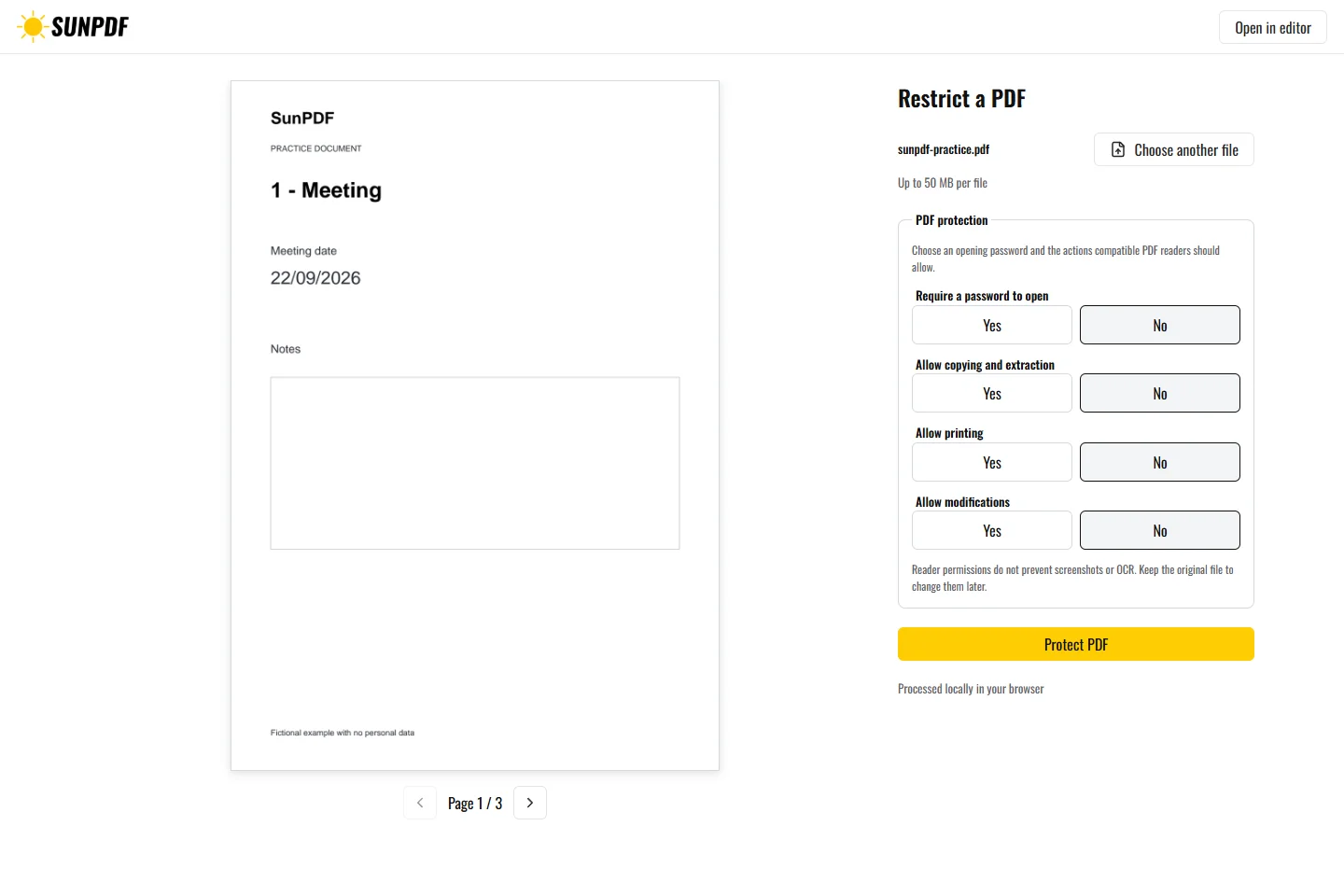
Fictional file created by SunPDF with no personal data.
Disallow copying, printing and editing, export the copy, then inspect the permissions reported by your PDF reader.
Enable only the intended uses. A random owner password protects the settings without being shown or stored. The PDF opens without an opening password and keeps accessibility extraction available for assistive technology.
Document processing happens in your browser. SunPDF does not upload your PDF to a server for editing. Closing or refreshing the tab ends the current session.
These restrictions are a useful guardrail for a reading copy that should not normally be printed, copied or edited.
Test the copy in the intended readers, inspect the reported permissions, and confirm assistive access still works.
Follow the steps and checks to make before saving your document.
Edit a sensitive PDF on your device and protect the copies you keep before and after the change.
Read the guideCorrect, complete and organize a PDF for free, then download a new copy from your browser.
Read the guideDraw or add your signature, place it on the right line and download the signed PDF.
Read the guide