How to edit a confidential PDF safely
Edit a sensitive PDF on your device and protect the copies you keep before and after the change.
Read the guide
Redact sensitive information in your PDF by removing the content covered by the areas you draw.
Use this tool for free as often as you need. The document is processed on your device so its contents remain under your control.
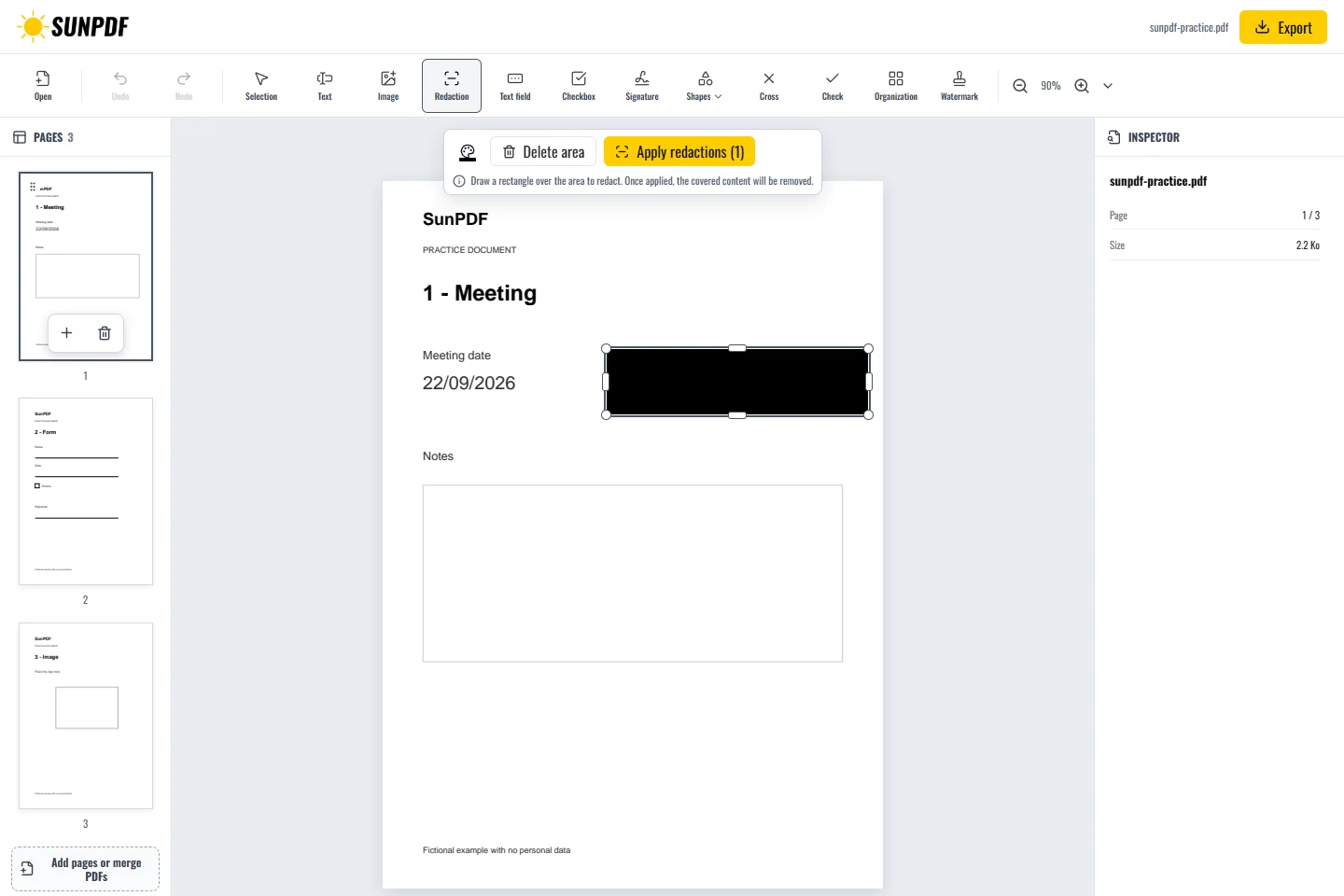
Fictional file created by SunPDF with no personal data.
On page 1, draw an area over the fictional date, apply the redactions, then confirm the date can no longer be searched or selected after export.
Areas remain editable until you choose Apply redactions. PDFium then processes all areas as one atomic operation. Supported text, images and paths under each area are removed before an opaque overlay in your chosen color is added.
Document processing happens in your browser. SunPDF does not upload your PDF to a server for editing. Closing or refreshing the tab ends the current session.
Use it to remove a name, address, case number or part of an image before sharing a copy.
Reopen the PDF, try to select and search for removed content, and inspect every area and adjacent page.
Follow the steps and checks to make before saving your document.
Edit a sensitive PDF on your device and protect the copies you keep before and after the change.
Read the guideChange a word, date or short sentence in a PDF and check the result before saving it.
Read the guideCorrect, complete and organize a PDF for free, then download a new copy from your browser.
Read the guide