How to reorder pages in a PDF
Move PDF pages with clear previews, then remove or add pages before saving.
Read the guide
Keep only the pages needed from a case file, prepare separate appendices, or create one PDF per page without changing the original document.
Your PDF stays on your device. It is not sent to any server.
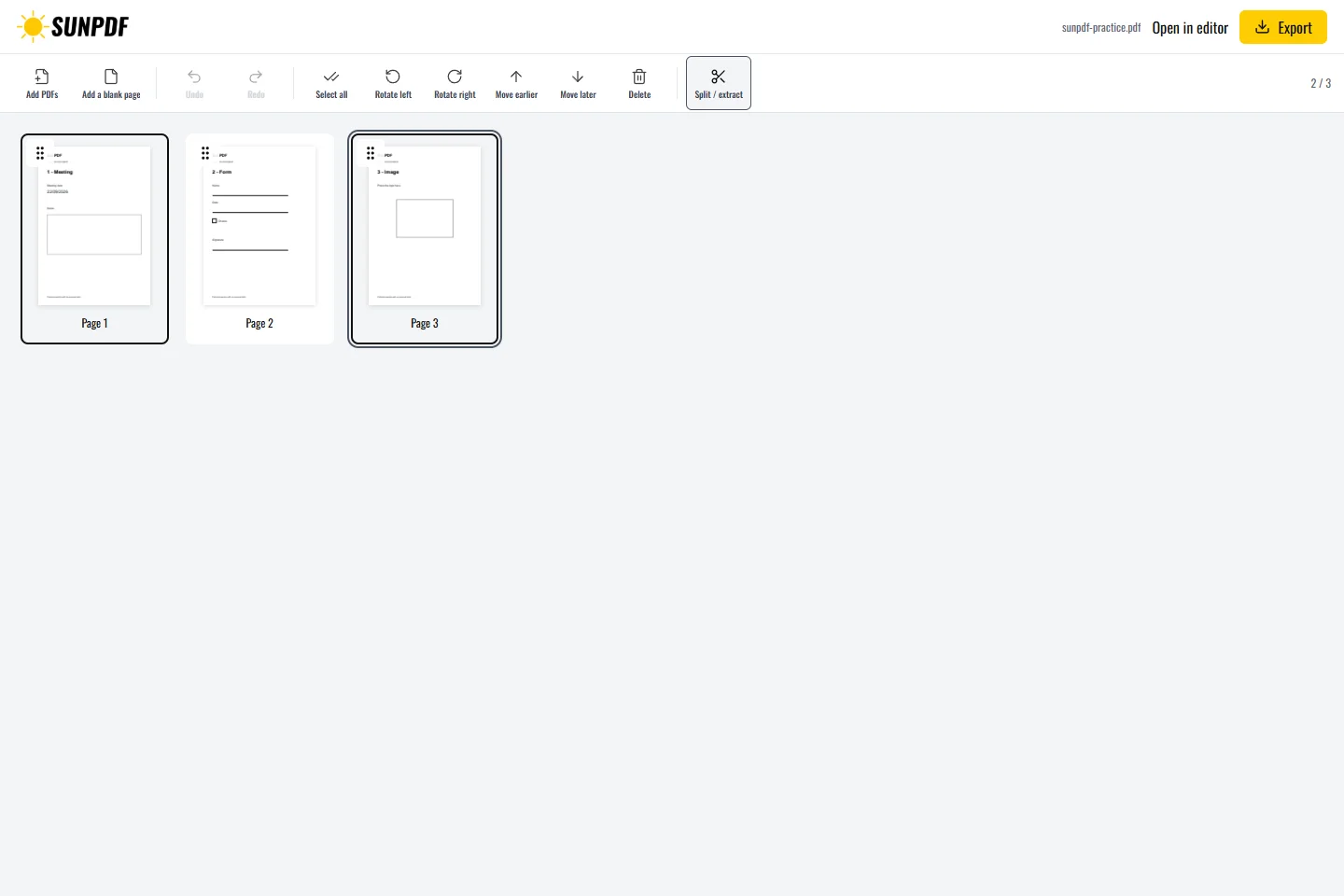
Fictional file created by SunPDF with no personal data.
Using the three-page document, export pages 1 and 3 as separate groups. The ZIP should contain two one-page PDFs in the expected order.
After opening the file, select individual pages, enter several ranges, or request one output for every page. Source order remains visible throughout. A single group creates one PDF. Several groups create a ZIP archive containing separately named PDF files.
Document processing happens in your browser. SunPDF does not upload your PDF to a server for editing. Closing or refreshing the tab ends the current session.
Use this workflow to send one chapter, separate combined invoices, or prepare attachments when each recipient needs a different subset.
Open every result, check its page count, order and orientation, then compare the first and last extracted pages with the source.
Follow the steps and checks to make before saving your document.
Move PDF pages with clear previews, then remove or add pages before saving.
Read the guidePut several PDFs into one file, arrange their pages and download a single document.
Read the guideEdit a sensitive PDF on your device and protect the copies you keep before and after the change.
Read the guide