How to edit a confidential PDF safely
Edit a sensitive PDF on your device and protect the copies you keep before and after the change.
Read the guide
Create a readable PDF from the useful sheets in a workbook with control over orientation and fit-to-width behavior.
Your PDF stays on your device. It is not sent to any server.
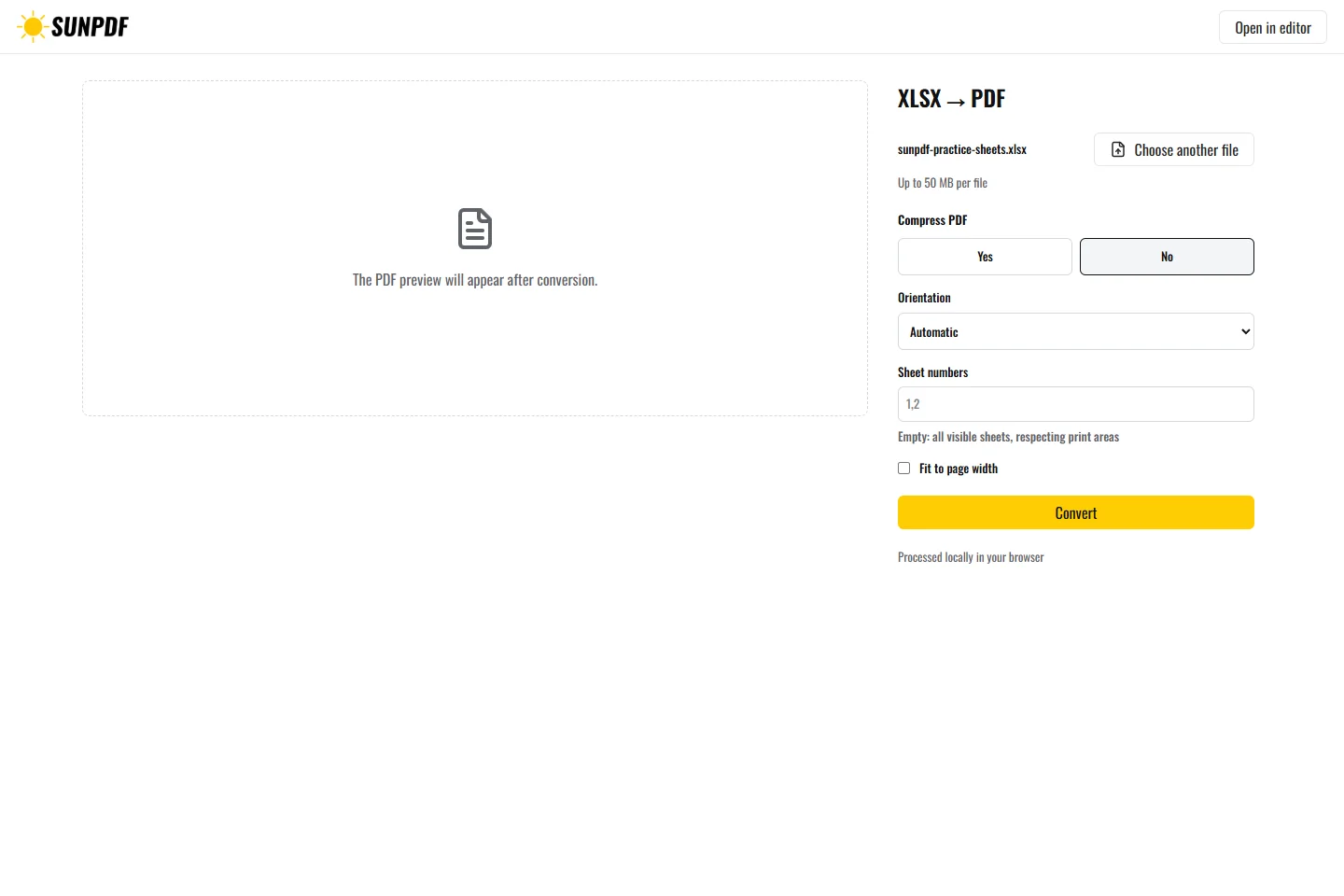
Fictional file created by SunPDF with no personal data.
Convert the fictional workbook using its visible sheets. Check values, print areas, and that the hidden sheet is absent.
Choose the sheets to export. The local Office runtime respects their print areas when present and applies the selected page settings. Each selected sheet becomes one or more PDF pages. Hidden sheets are not included automatically.
Document processing happens in your browser. SunPDF does not upload your PDF to a server for editing. Closing or refreshing the tab ends the current session.
This conversion suits trackers, quotes, and reports that need a fixed version readable without Excel.
Check totals, column breaks, print areas, and page count, and confirm that no confidential sheet was selected.
Follow the steps and checks to make before saving your document.
Edit a sensitive PDF on your device and protect the copies you keep before and after the change.
Read the guideCorrect, complete and organize a PDF for free, then download a new copy from your browser.
Read the guideMove PDF pages with clear previews, then remove or add pages before saving.
Read the guide