How to reorder pages in a PDF
Move PDF pages with clear previews, then remove or add pages before saving.
Read the guide
Delete any pages you choose from your PDF with SunPDF’s intuitive interface.
Use this tool for free as often as you need. The document is processed on your device so its contents remain under your control.
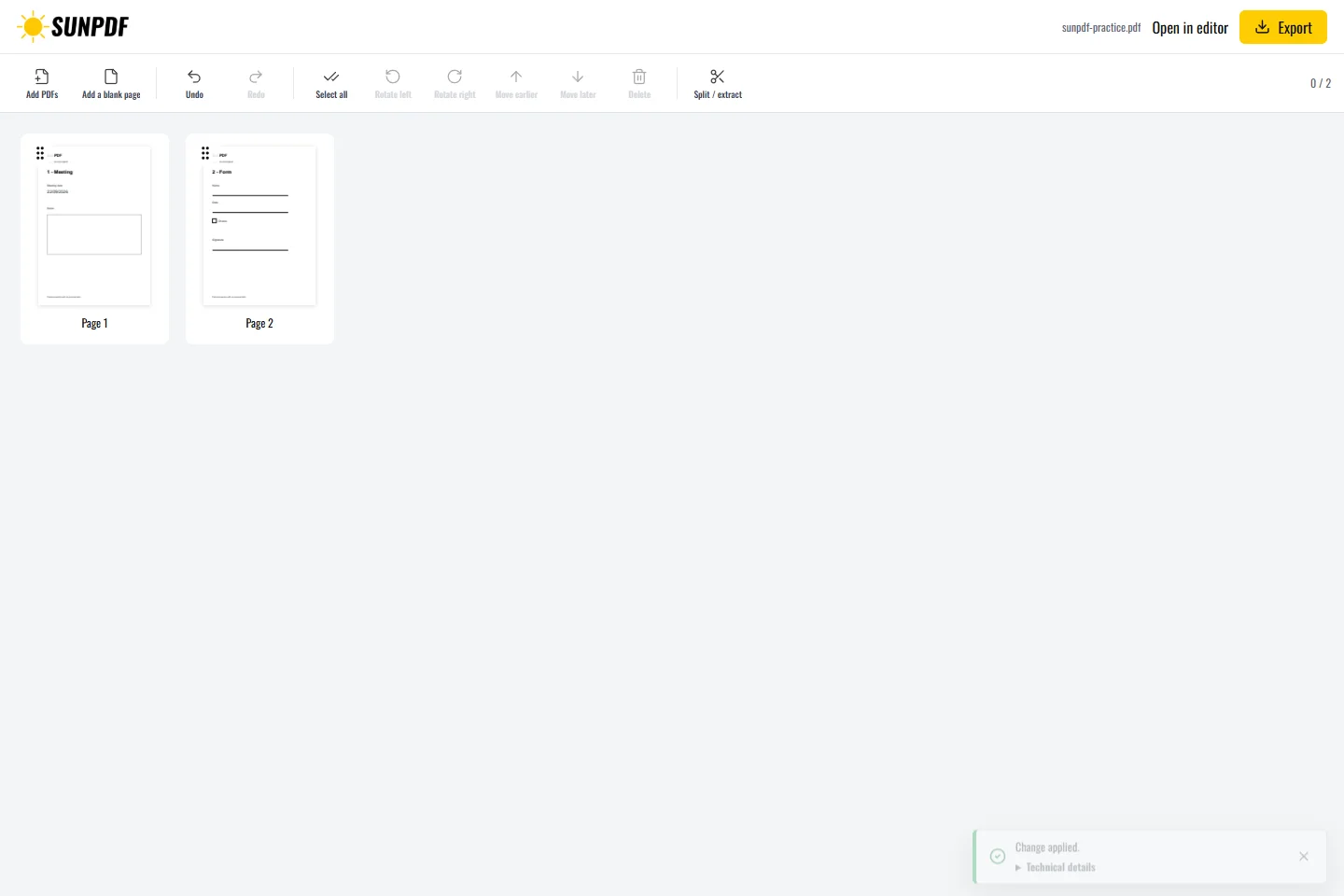
Fictional documents: three practice pages and an appendix, with no personal data.
In Pages, delete the third page. Two pages should remain. Undo should restore the removed page.
Thumbnails help you identify the right page before confirming. After deletion, you can keep organizing the same document in the current session.
Document processing happens in your browser. SunPDF does not upload your PDF to a server for editing. Closing or refreshing the tab ends the current session.
Remove a blank page, outdated attachment, or unnecessary content while keeping the source file unchanged.
Compare the page count before and after, inspect both pages around the removal, and keep the original until the result is approved.
Follow the steps and checks to make before saving your document.
Move PDF pages with clear previews, then remove or add pages before saving.
Read the guidePut several PDFs into one file, arrange their pages and download a single document.
Read the guideCorrect, complete and organize a PDF for free, then download a new copy from your browser.
Read the guide