How to reorder pages in a PDF
Move PDF pages with clear previews, then remove or add pages before saving.
Read the guide
Correct scanned or imported pages that face the wrong way without rearranging the rest of the document.
Your PDF stays on your device. It is not sent to any server.
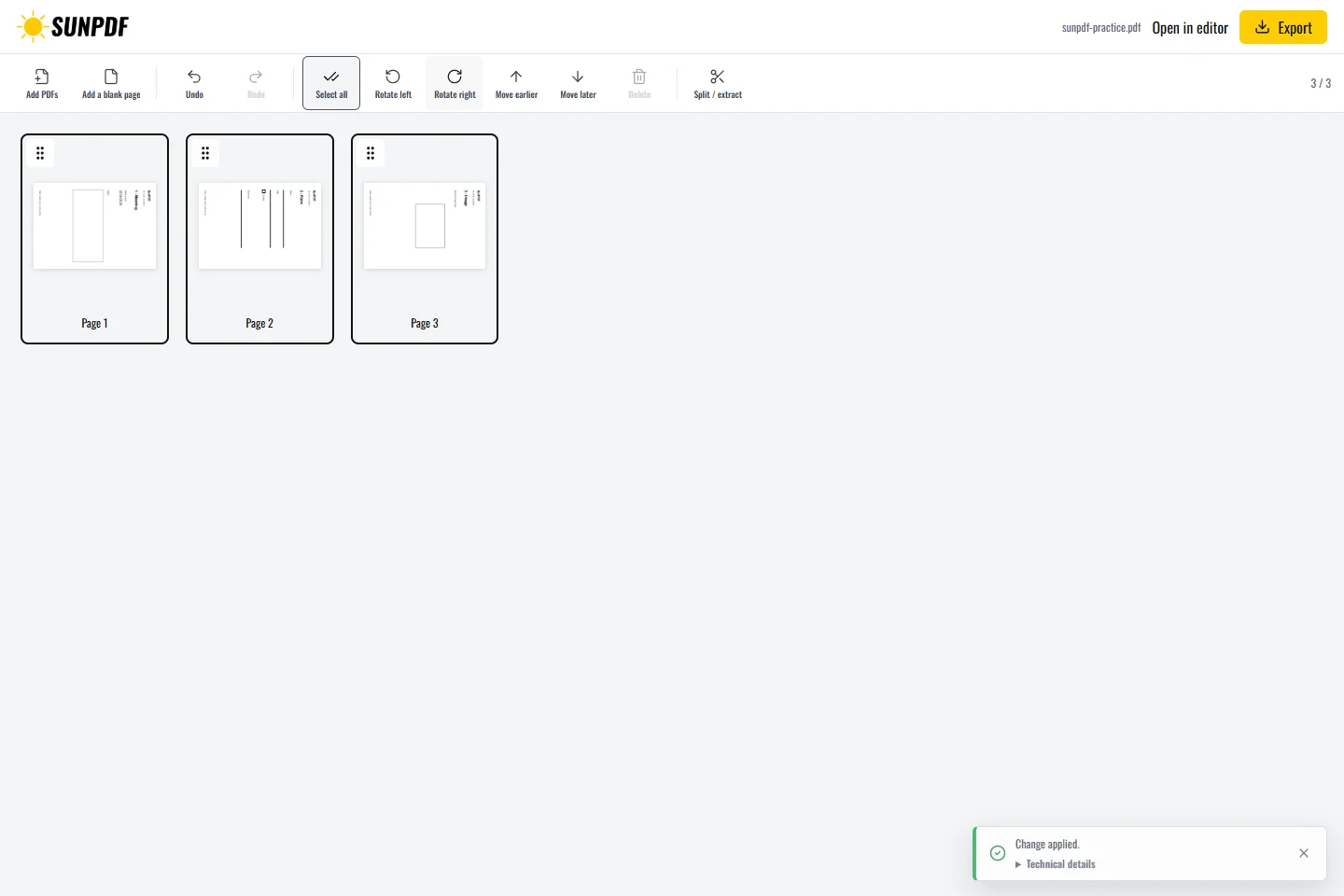
Fictional file created by SunPDF with no personal data.
Rotate only page 2 to the right. Pages 1 and 3 should keep their original orientation.
Select one or more pages and rotate them 90 degrees left or right. Repeat the operation as needed before export. The exported copy keeps the page order and stores the new rotation. The original file is not replaced.
Document processing happens in your browser. SunPDF does not upload your PDF to a server for editing. Closing or refreshing the tab ends the current session.
This operation is suitable for mixed portrait and landscape scans or an appendix imported in the wrong orientation.
Review all thumbnails, check neighboring unselected pages, and reopen the PDF to confirm the orientation persists.
Follow the steps and checks to make before saving your document.
Move PDF pages with clear previews, then remove or add pages before saving.
Read the guidePut several PDFs into one file, arrange their pages and download a single document.
Read the guideCorrect, complete and organize a PDF for free, then download a new copy from your browser.
Read the guide