How to edit a confidential PDF safely
Edit a sensitive PDF on your device and protect the copies you keep before and after the change.
Read the guide
Turn a presentation into a PDF that can be shared without PowerPoint and without exposing the editable slide deck.
Your PDF stays on your device. It is not sent to any server.
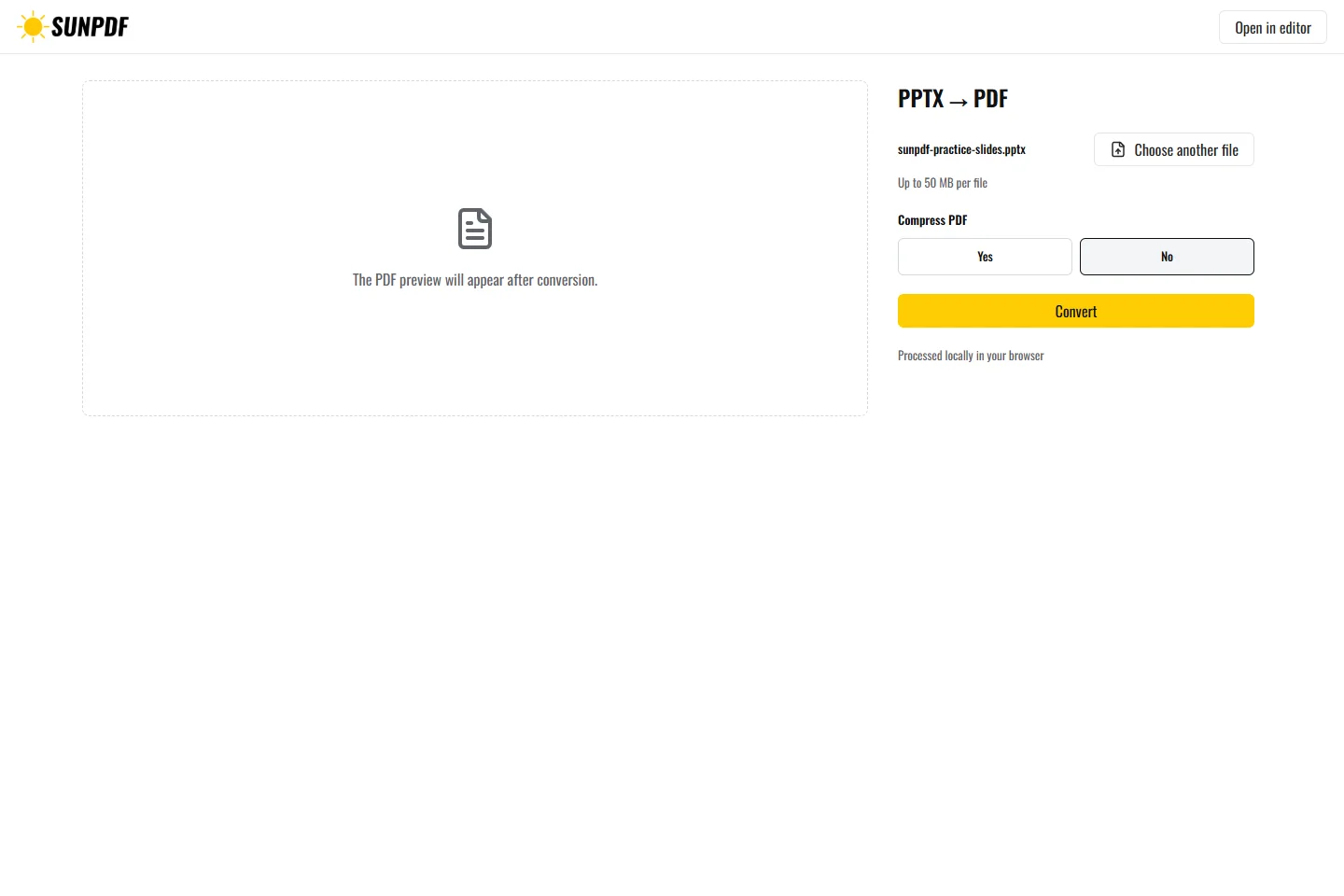
Fictional file created by SunPDF with no personal data.
Convert the fictional presentation. The expected PDF contains two pages in slide order.
The local Office runtime renders slides in their original order and creates one PDF page for each slide. The PDF contains static slides. Animations, transitions, videos, and presenter notes do not become interactive PDF content.
Document processing happens in your browser. SunPDF does not upload your PDF to a server for editing. Closing or refreshing the tab ends the current session.
This output works for meeting handouts, published slides, or a printable version that is easy to review.
Review every page for framing, fonts, charts, and order, especially slides containing media or transparency.
Follow the steps and checks to make before saving your document.
Edit a sensitive PDF on your device and protect the copies you keep before and after the change.
Read the guideCorrect, complete and organize a PDF for free, then download a new copy from your browser.
Read the guideMove PDF pages with clear previews, then remove or add pages before saving.
Read the guide